Work together
Research is better together.
Share a project, keep saved versions, and let others follow it, discuss it, answer your requests and suggest changes.
Nobody gets into your computer: sharing publishes only the version you choose.
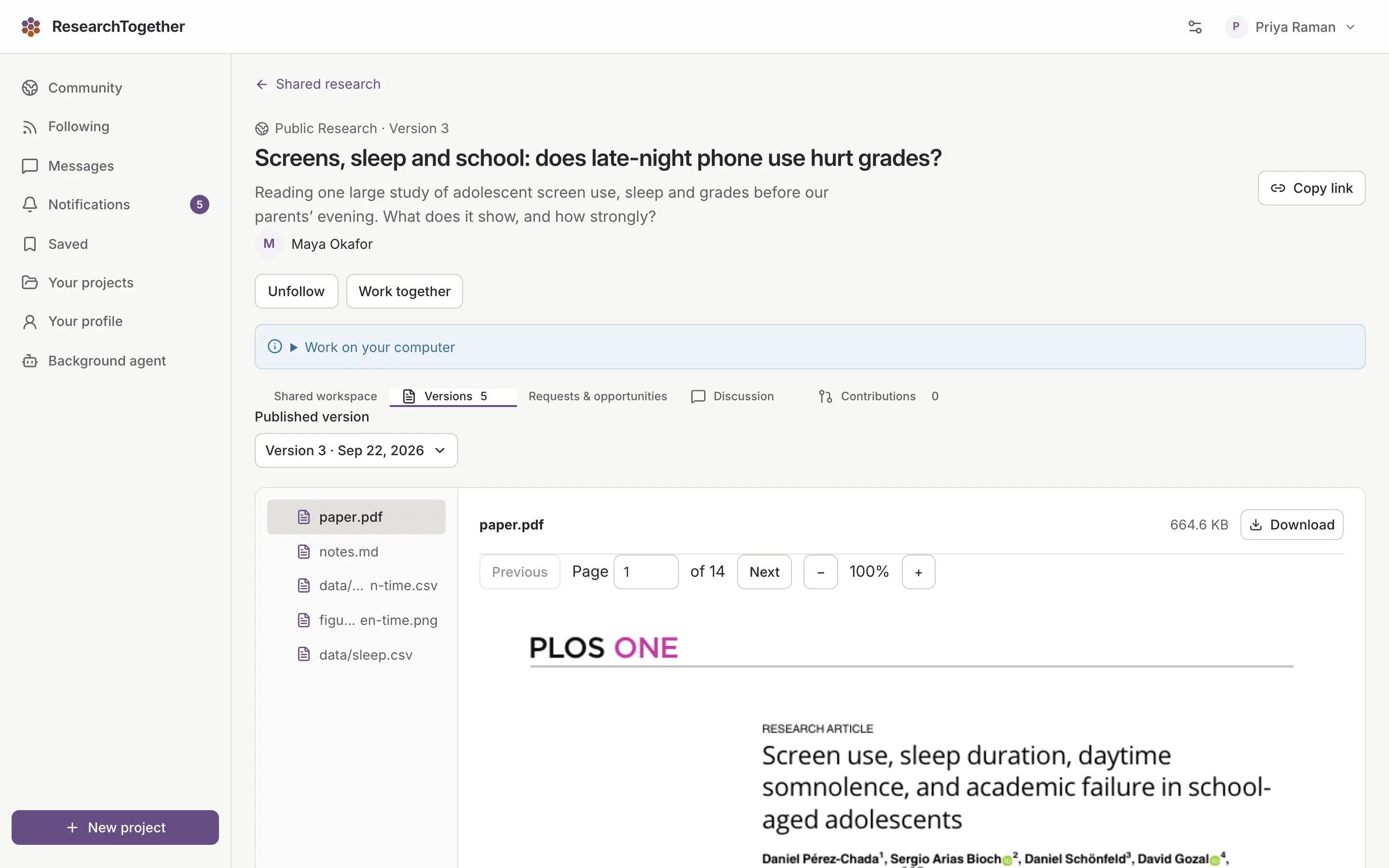
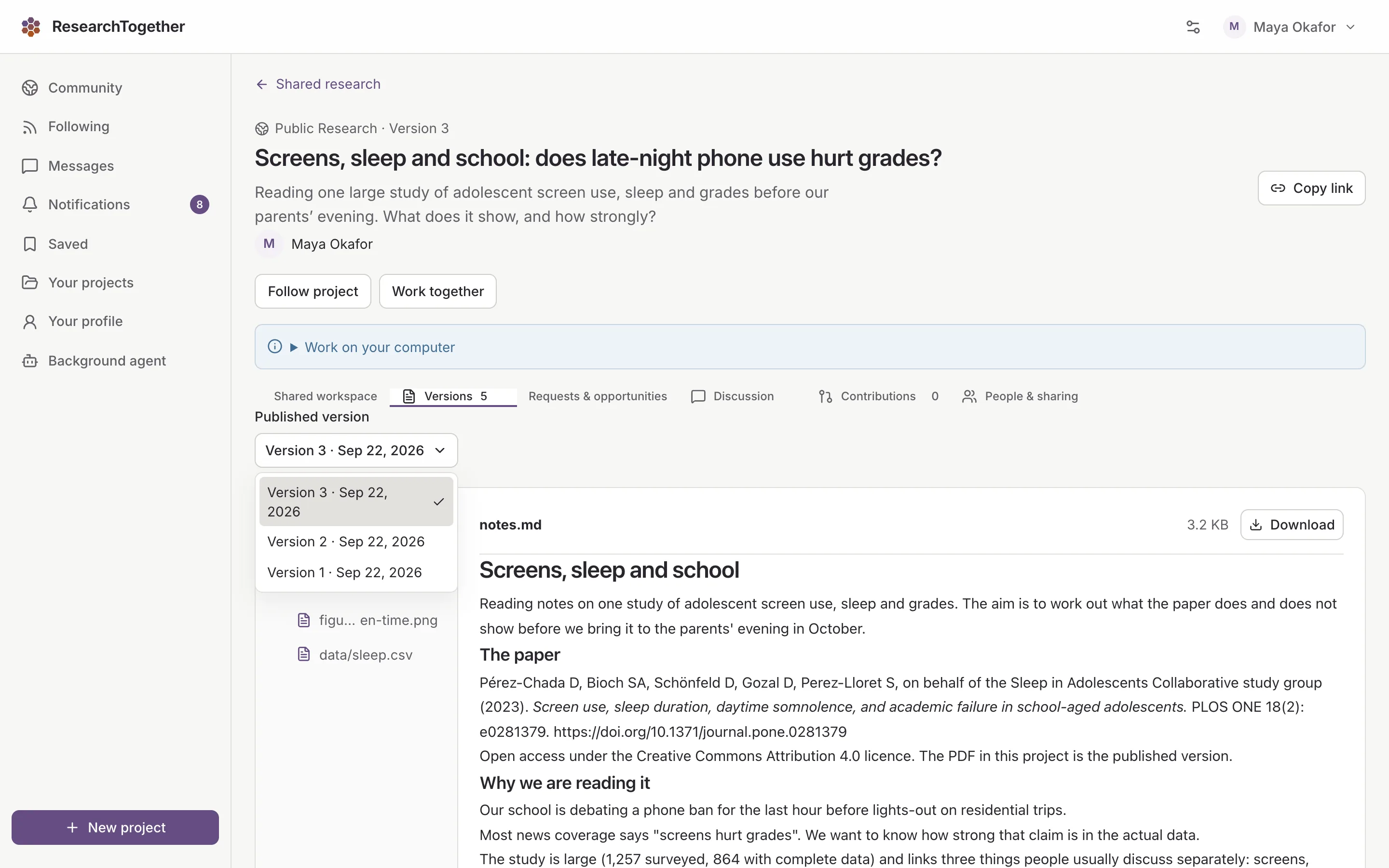
Every version stays readable.
Publish version 3 and readers can still open 1 and 2, so a discussion always names the version it is about.
Maya’s project, at version 3
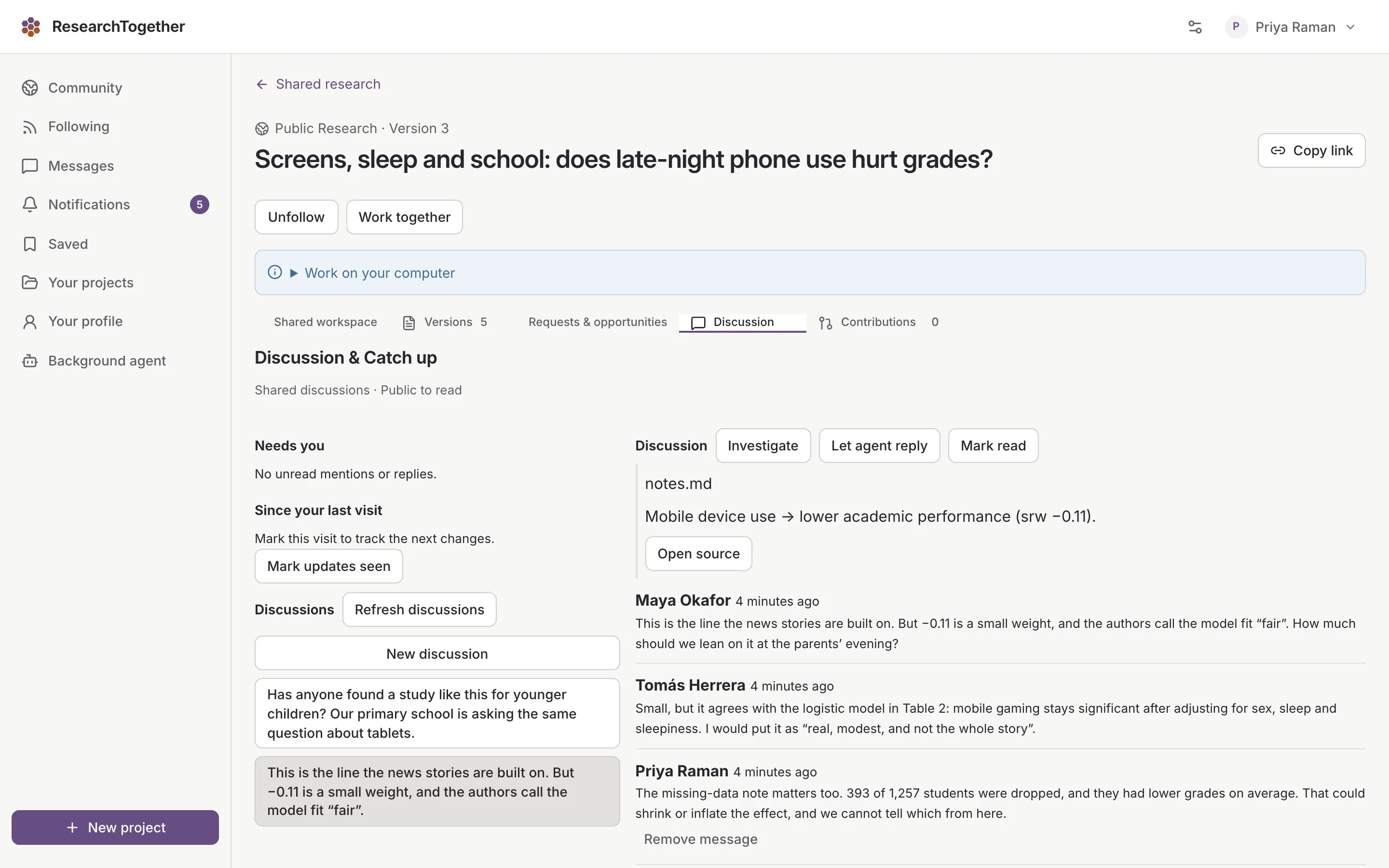
Discuss with the sentence in hand.
Quote a passage and the thread stays anchored to that exact spot in the document.
Maya, Tomás and Priya on one sentence
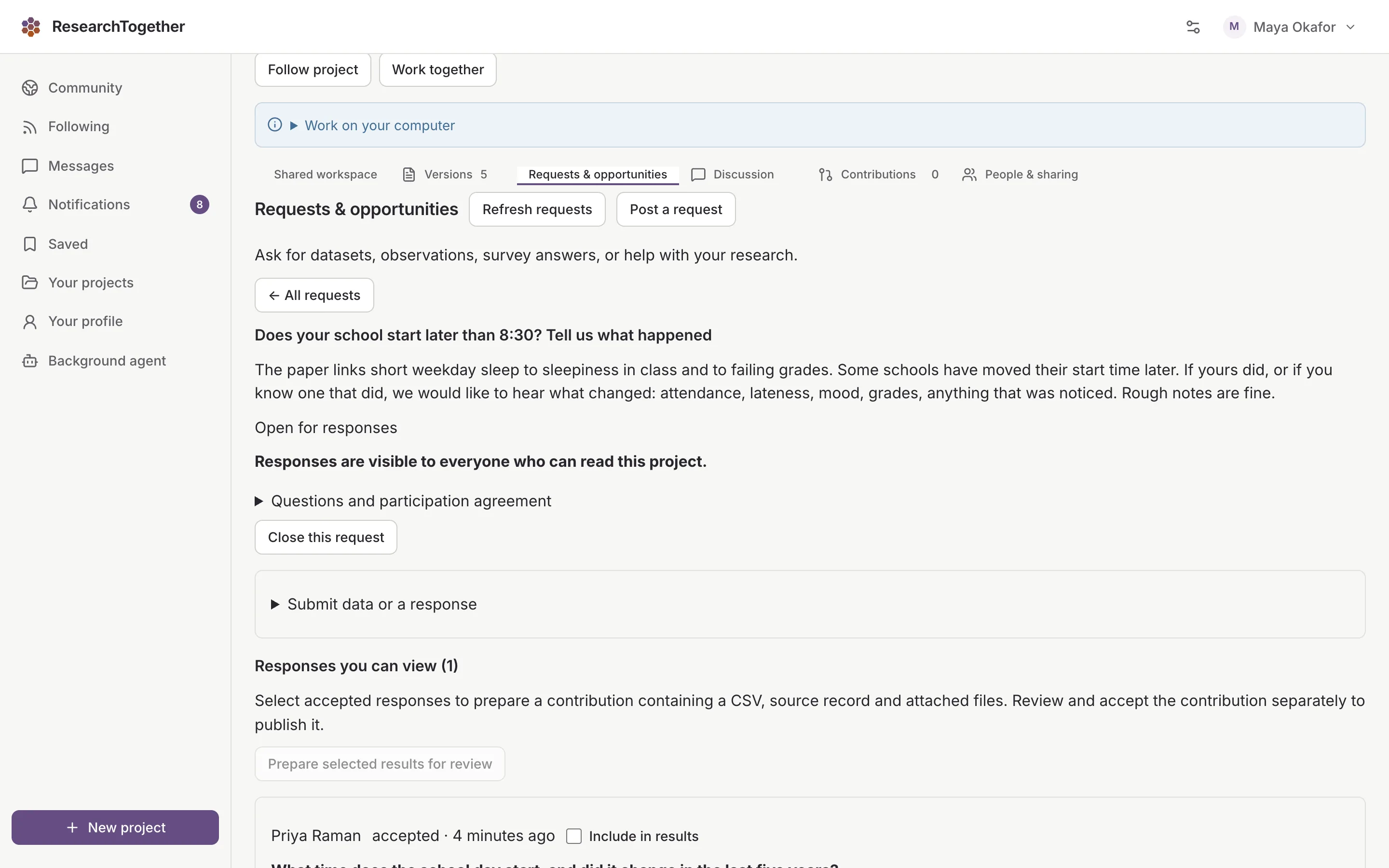
Ask for data, observations or a second look.
A request sits on the project. Anyone signed in can respond, and you choose which responses to use.
Maya asked, Priya answered
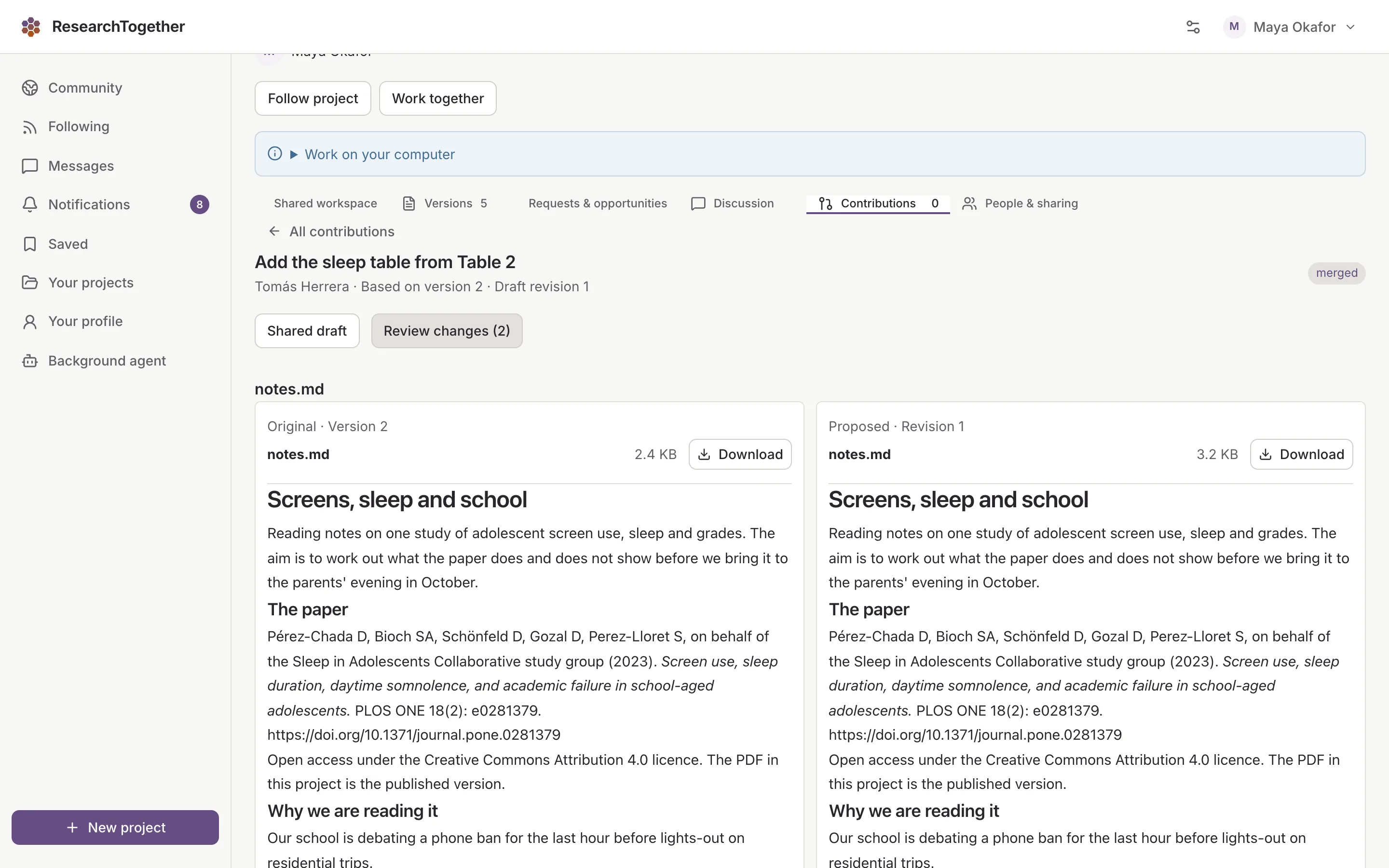
A suggestion lands only when you accept it.
Contributors work on their own copy and send the change back. Accepted changes keep their name for good.
Tomás suggested it, Maya accepted it
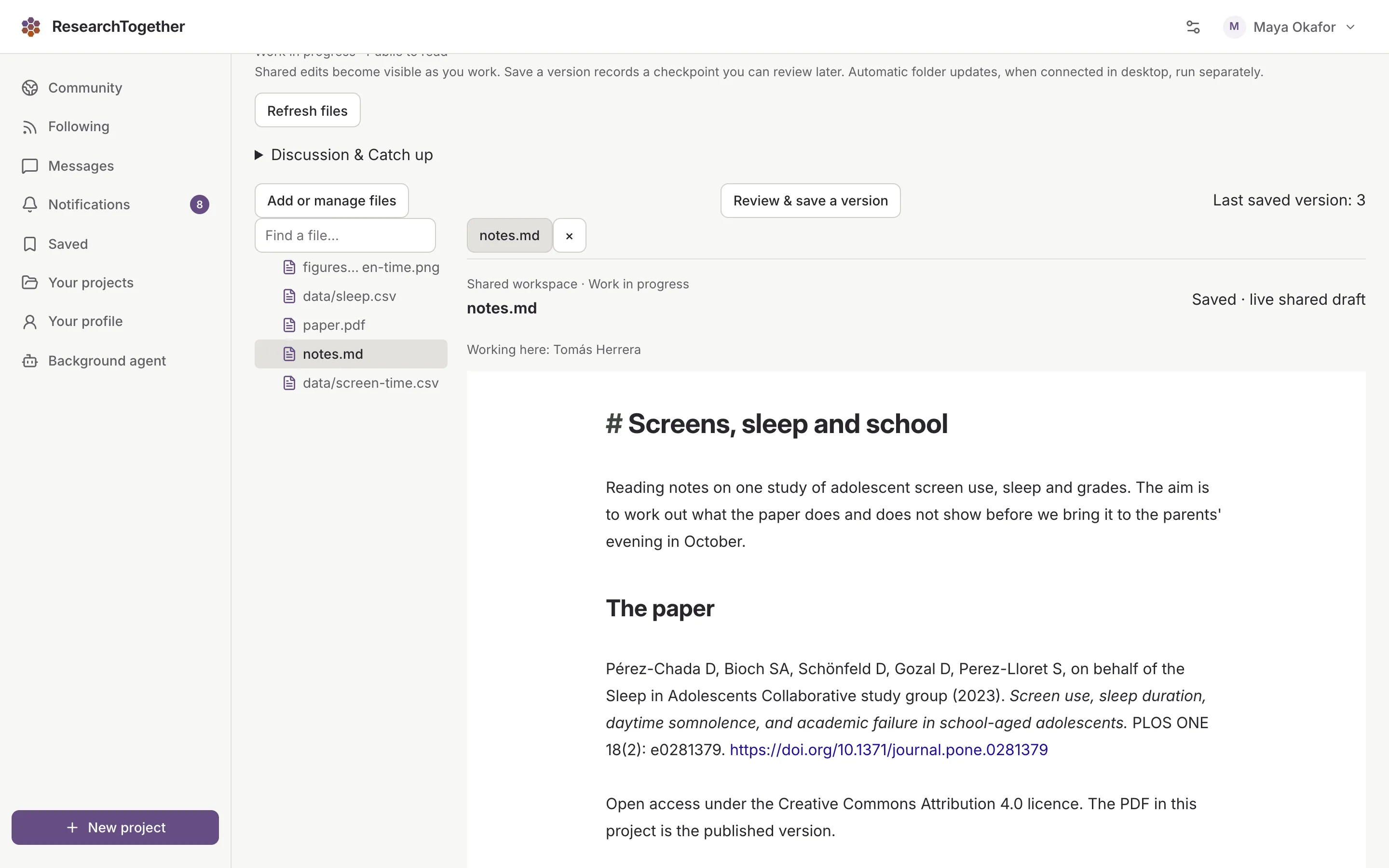
Write the same draft at the same time.
A shared workspace keeps one live draft in the browser with everyone's place visible. Saved versions still go through the owner.
Tomás, working in the draft