
ReadFaster and Tutor
Read the paper, not around it.
An agent summarises every page beside the page itself, and a tutor works on the page with you.
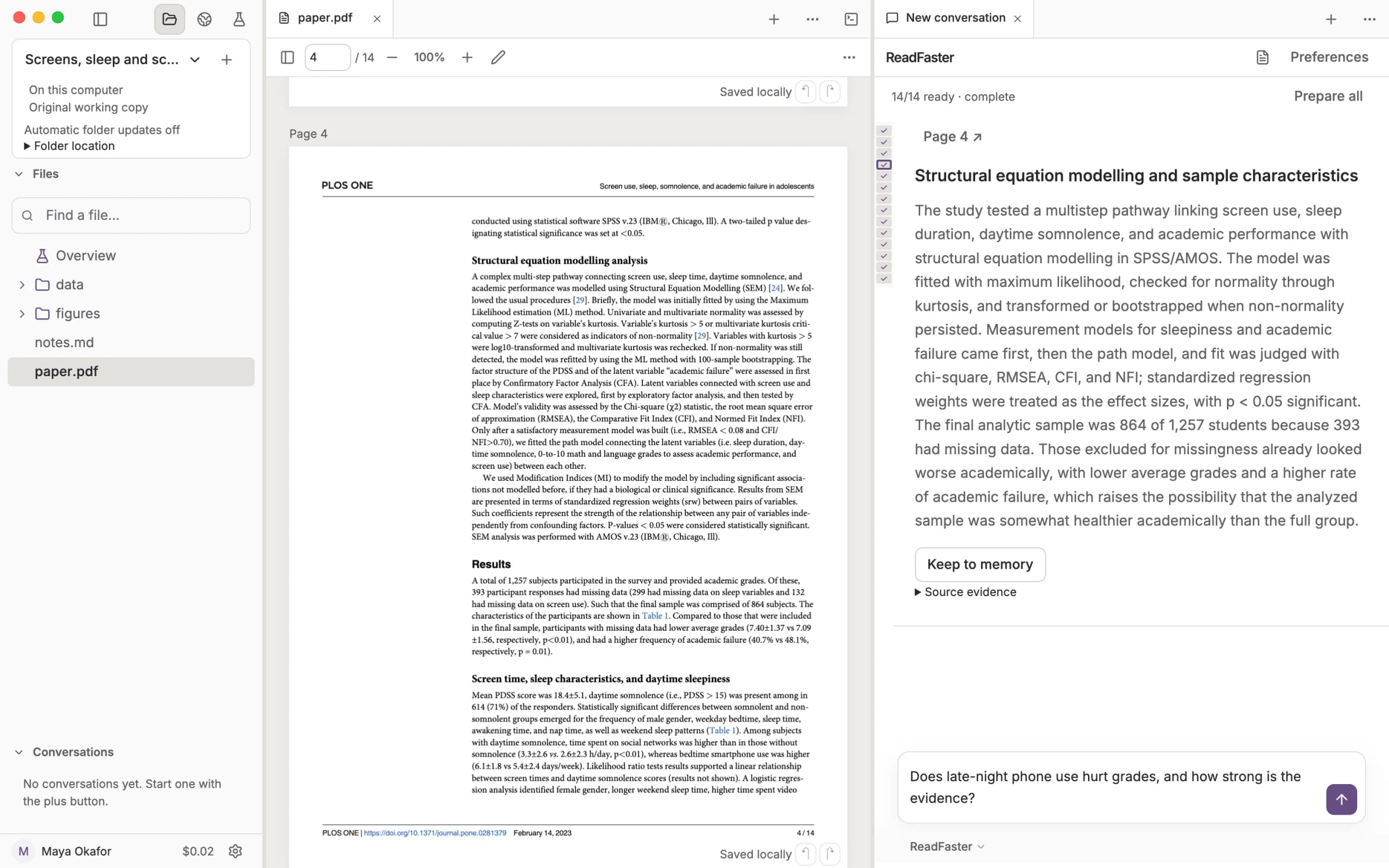
Every summary shows its source.
Open Source evidence under any card to read the sentences the summary rests on.
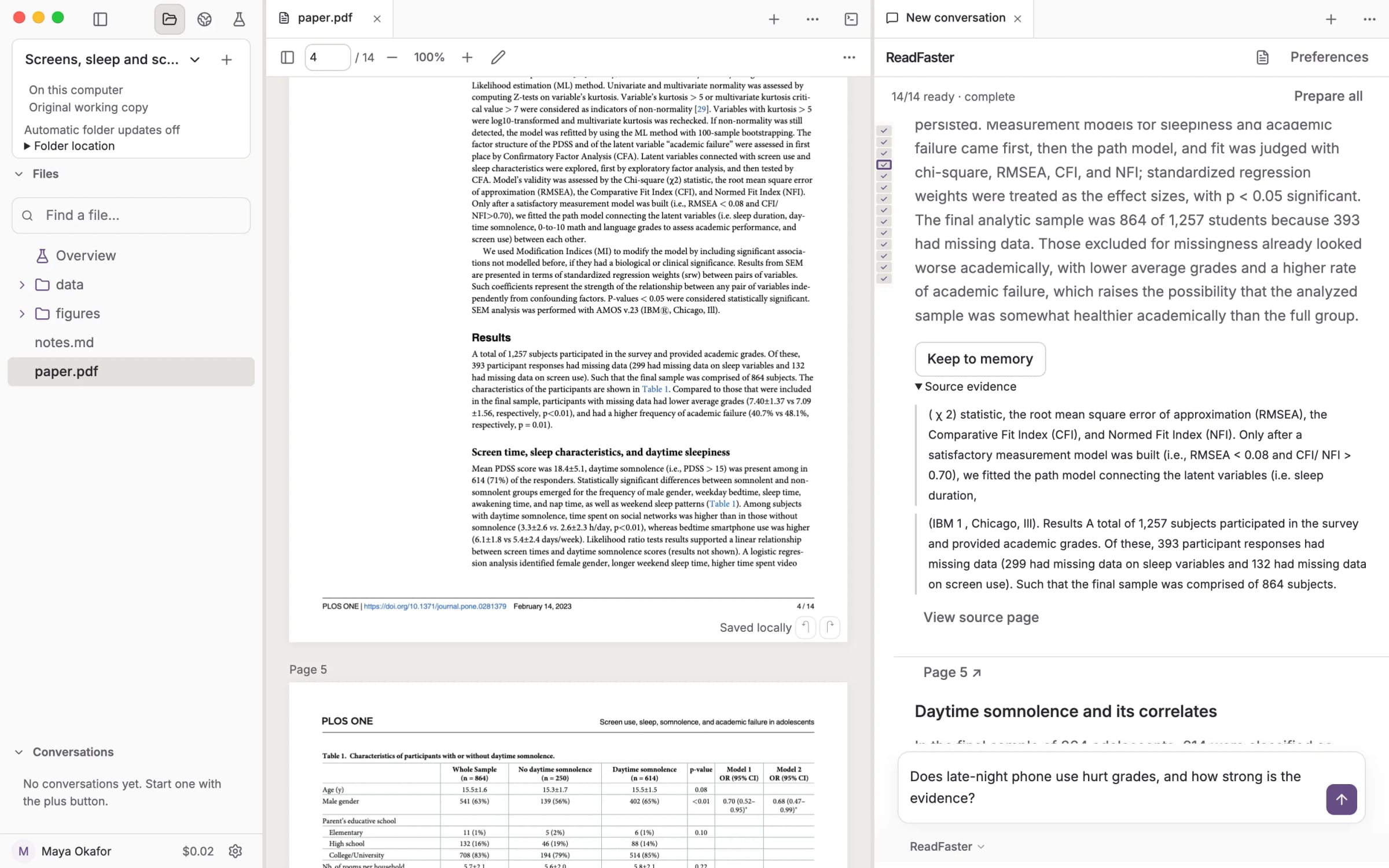
Set the depth. Mark the page.
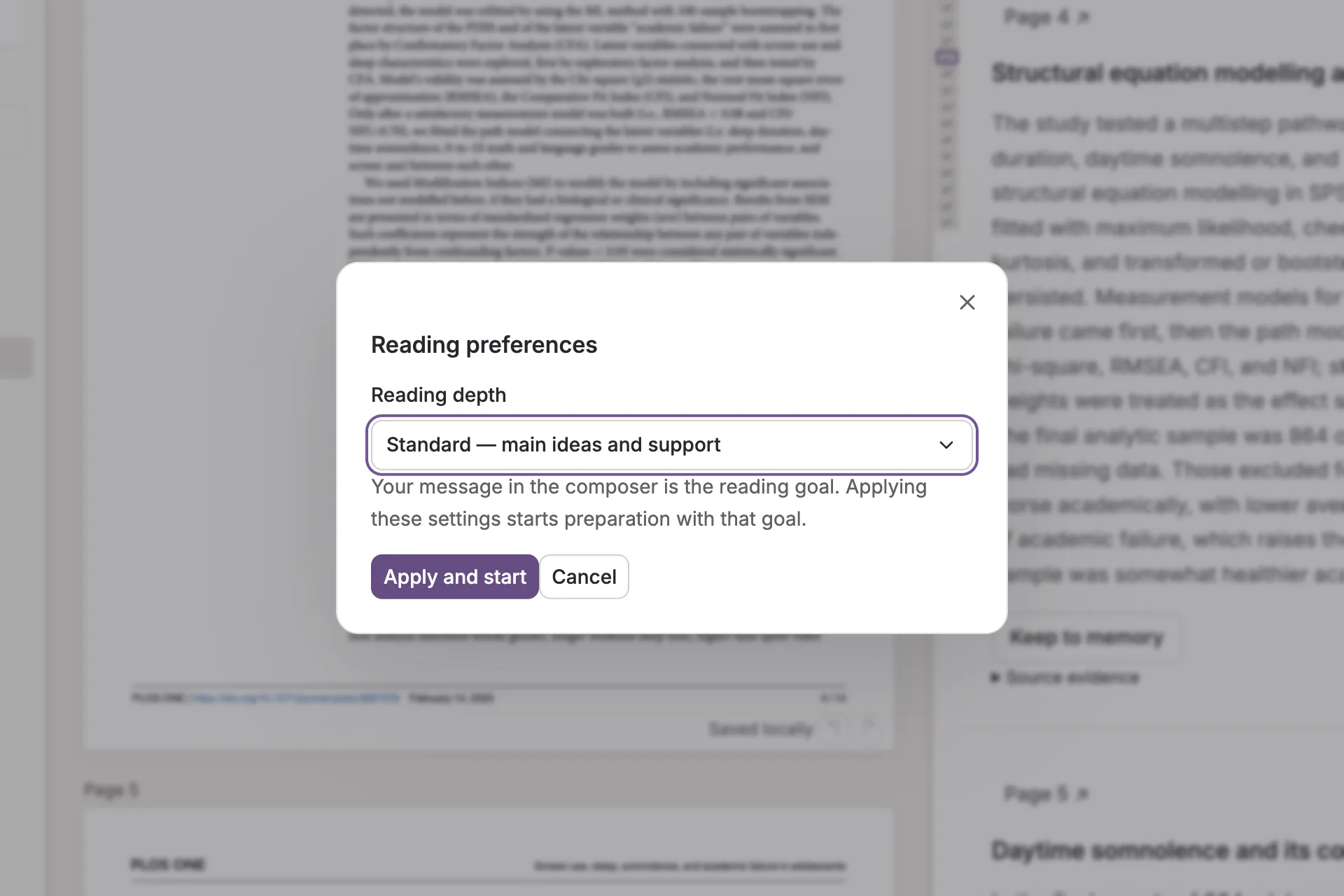
In the Mac app, choose skim, standard or deep, then highlight, draw and write on the page. Marks save as you go and export with the file.
Tutor
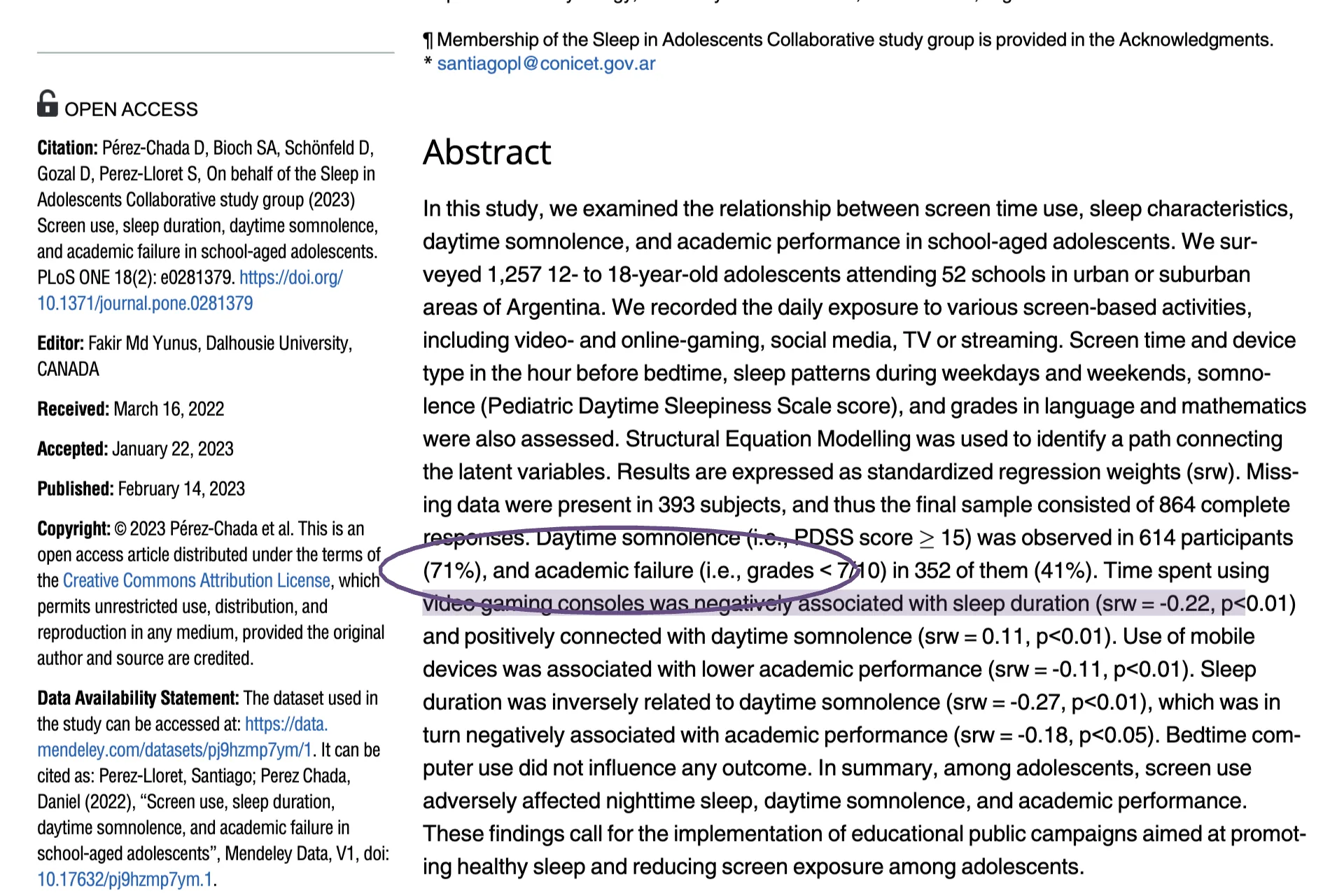
A tutor that works on your page.
In the Mac app, highlight a passage or circle part of a figure and Tutor explains, draws on its own layer and asks what you think.
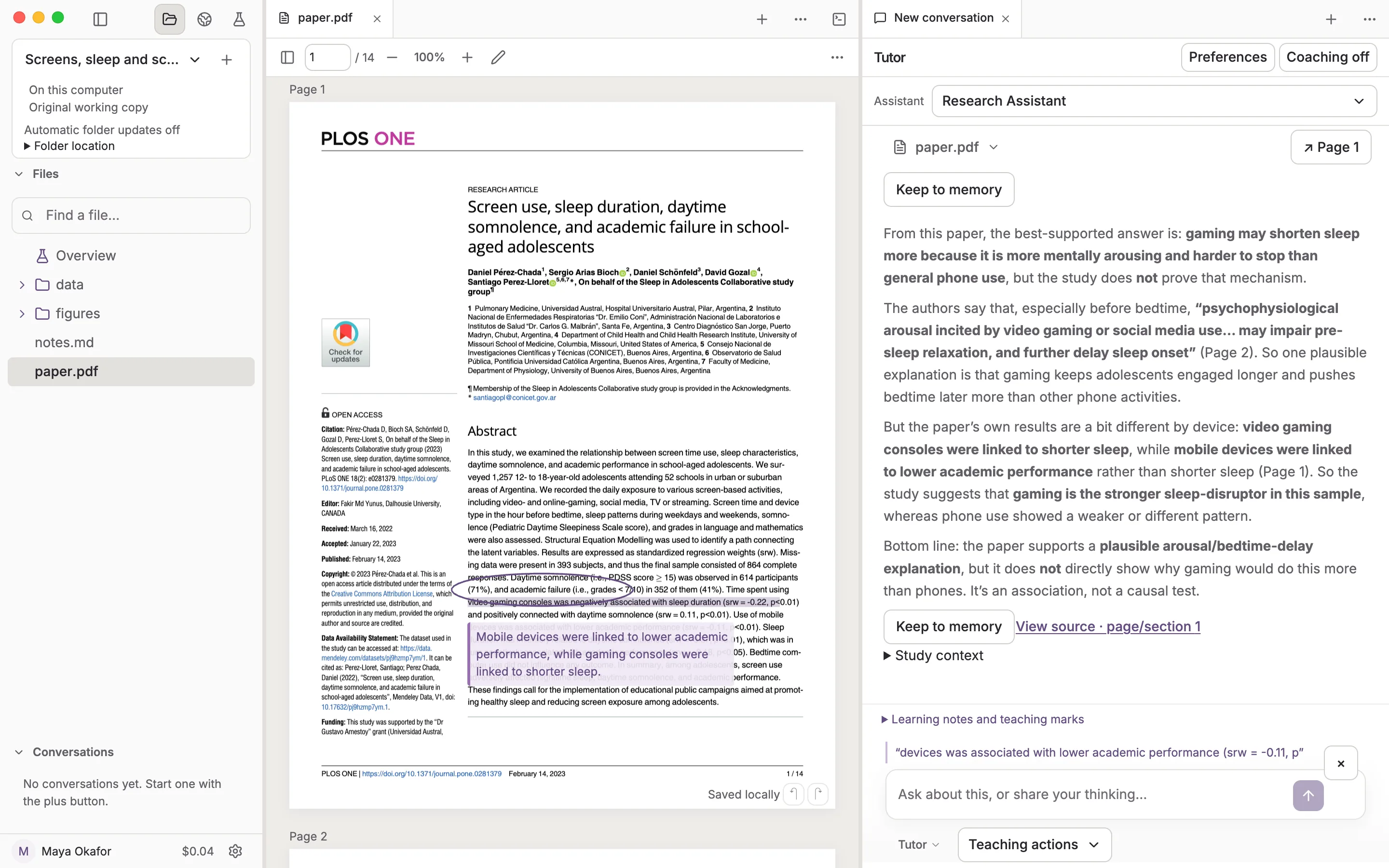
Pick up where you left off.
In the Mac app, say what you want to learn and Tutor keeps it in Current focus, a private note in Memory you can edit.
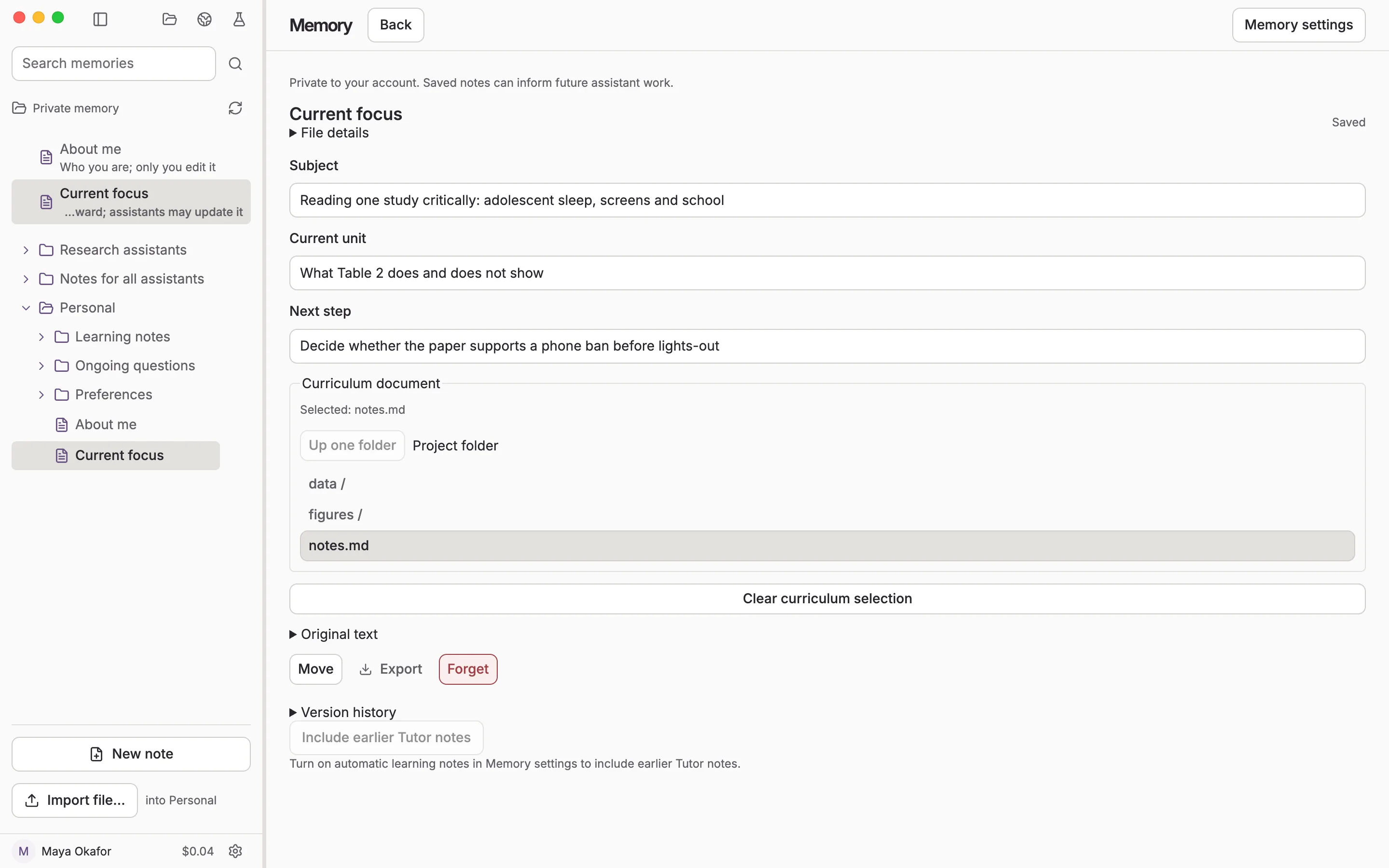
Bring a paper.
ReadFaster uses your OpenAI account. In the Mac app, Tutor runs on the model you pick for the chat, its coaching uses OpenAI, and the cost shows as you go.