AI help

Ask for help. Decide how much.

Talk answers from your project, Plan writes the steps down first, and Auto does the work while you watch.

AI help runs on an account you already have. ResearchTogether adds nothing to the bill.
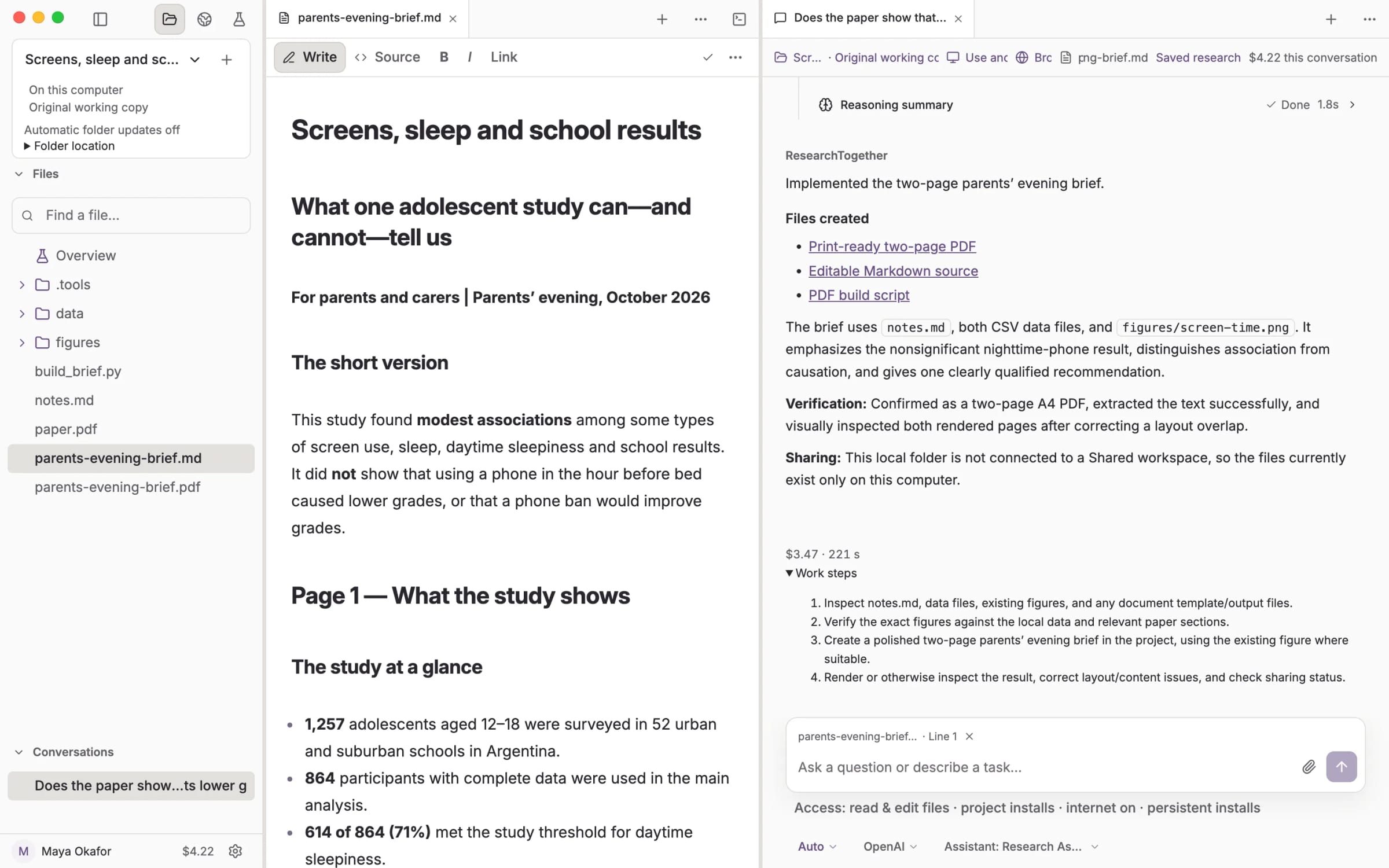
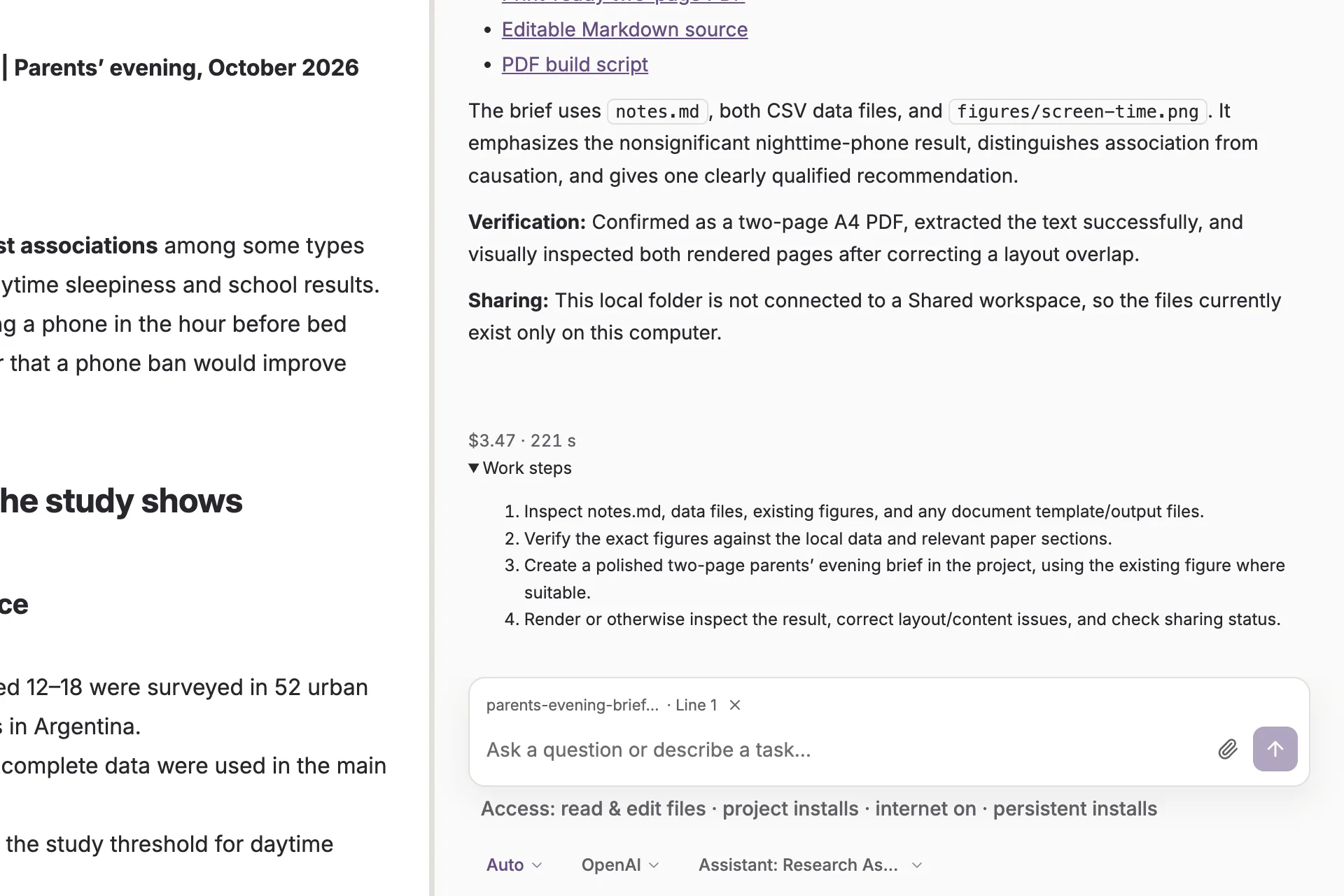
An Auto conversation reporting the two-page brief it wrote, with the brief open beside it, the run’s cost and its work steps below.

Talk. Plan. Auto.

Pick the level for each message, so one conversation can move from thinking to planning to doing.
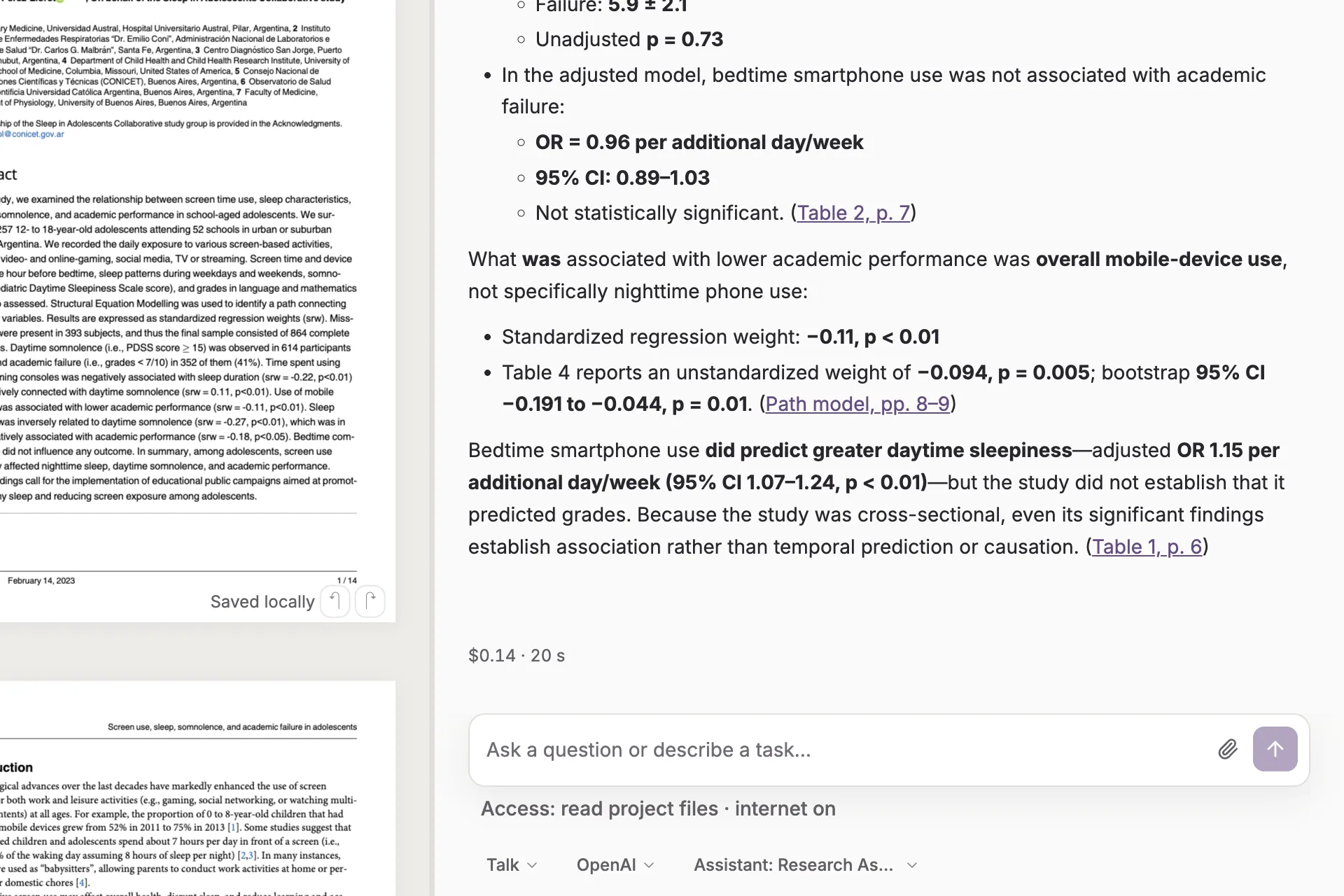
A Talk reply answering a question from the paper, with each figure linked to the table and page it came from.
Talk reads and answers
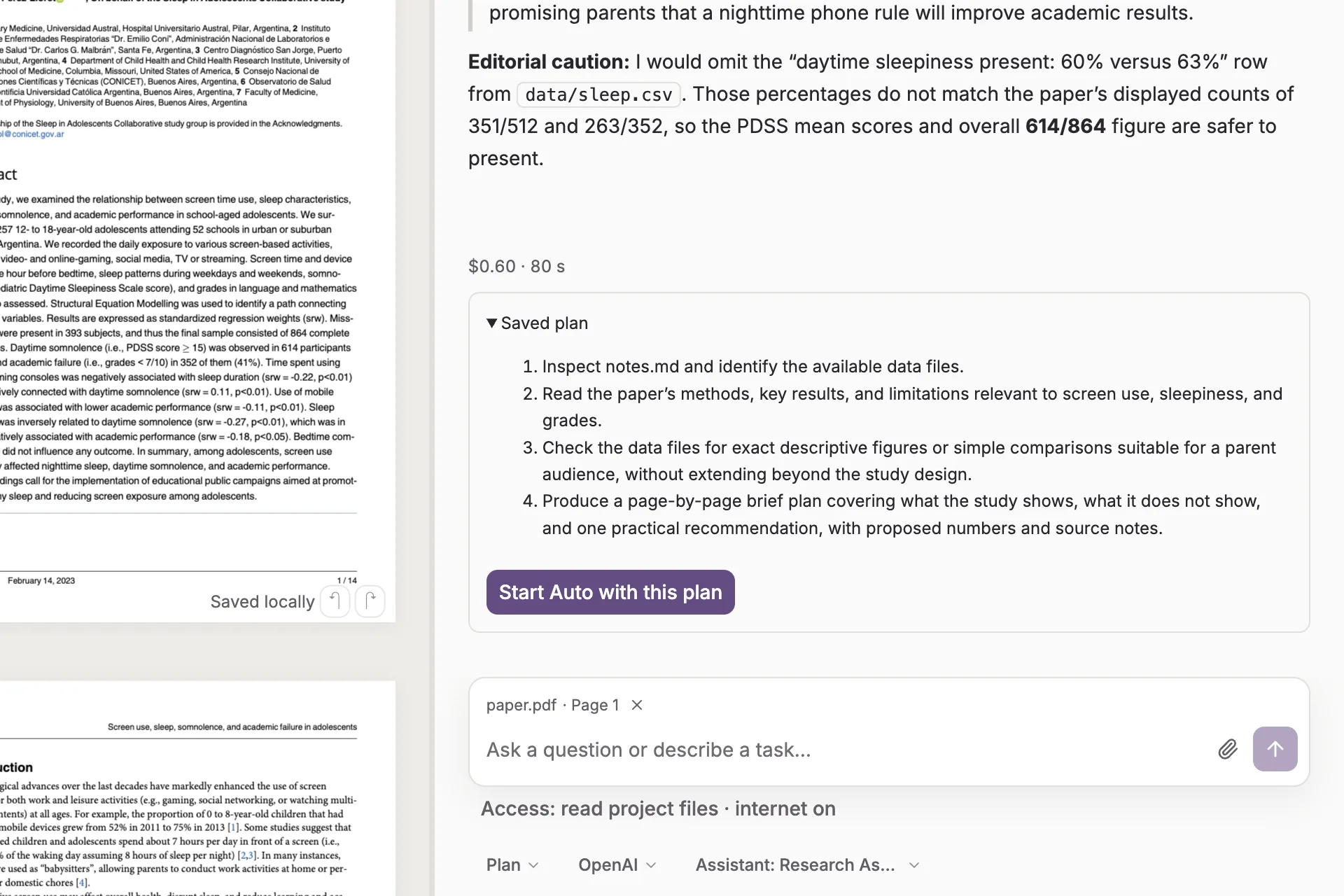
A Plan reply that flags a mismatch in the paper’s own table, then the saved four-step plan with a button to start Auto.
Plan waits for your go-ahead
Auto reporting the files it created and the checks it ran, with the run’s cost and work steps below.
Auto does the task

Nothing happens without a yes.

Before Auto starts, the app restates what it may touch: your files, the internet, and where your text is sent.
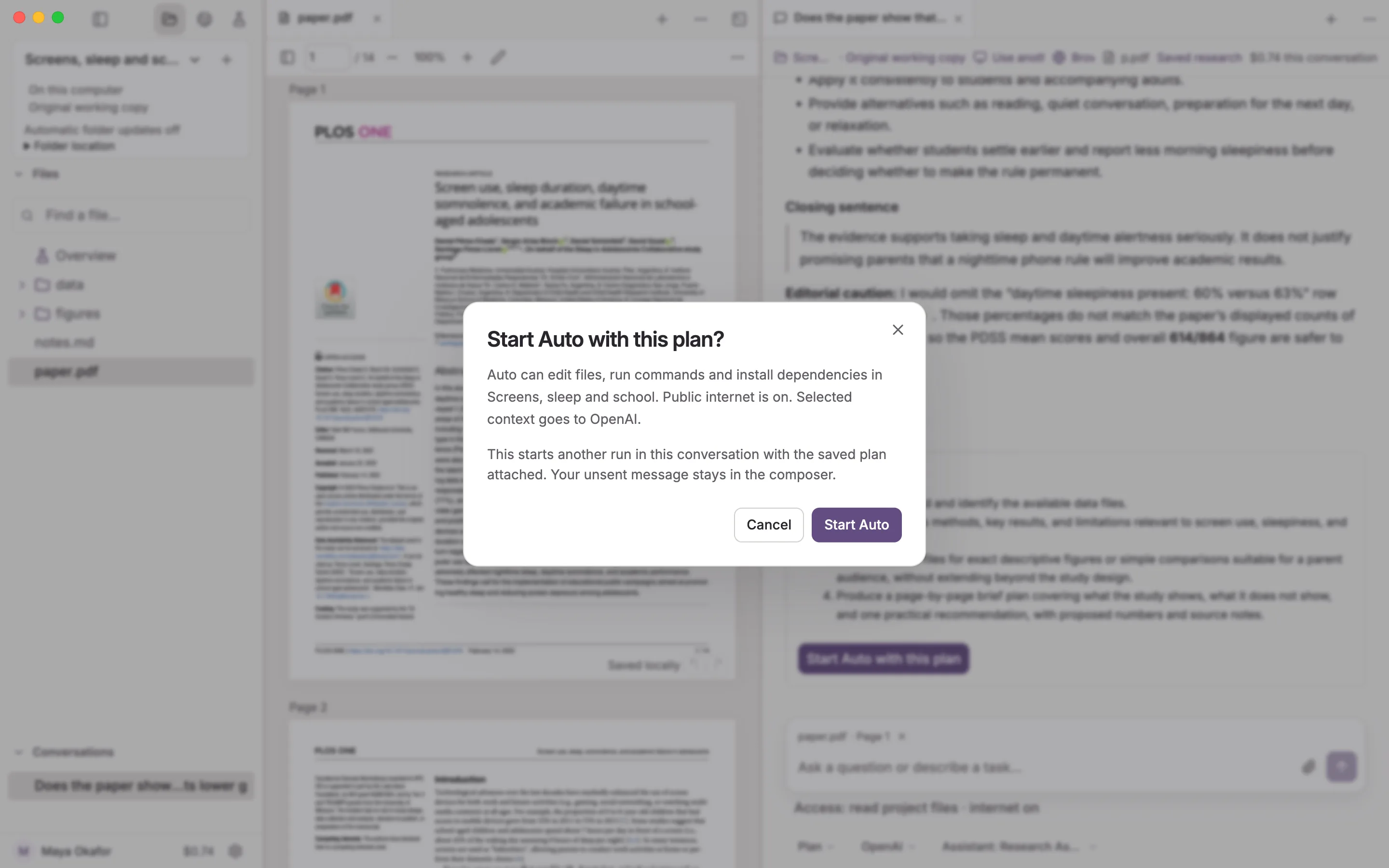
The confirmation shown before Auto starts, listing what it may touch: the project files, the internet and where text is sent.

Use the AI account you already have.

Connect an OpenAI key, a Claude subscription or a Codex subscription in Settings, and keep more than one.
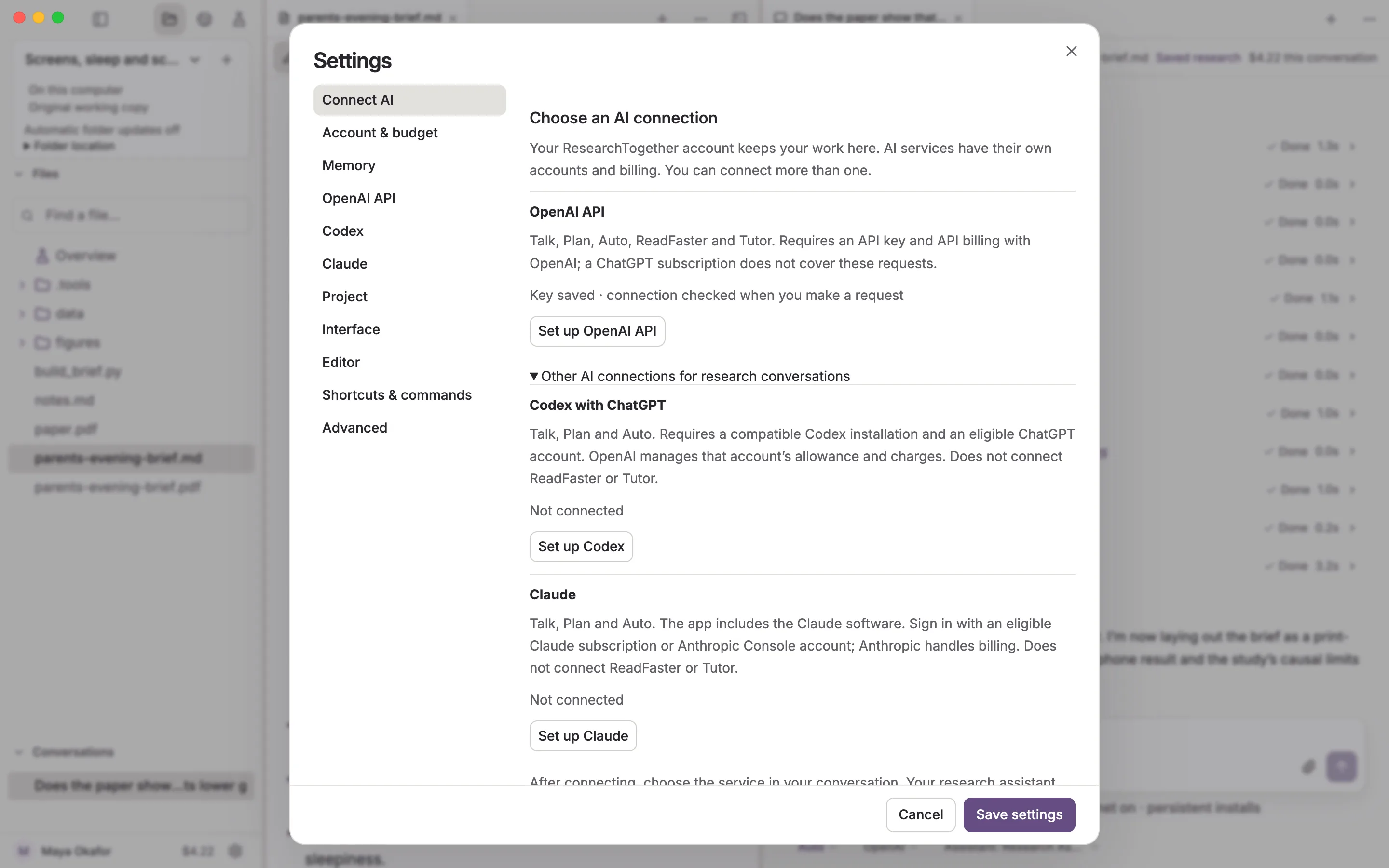
Settings, Connect AI: an OpenAI key already saved, with Codex and Claude subscriptions ready to set up.

Every step stays on the record.

Commands, file changes and mistakes remain in the conversation with what they cost.
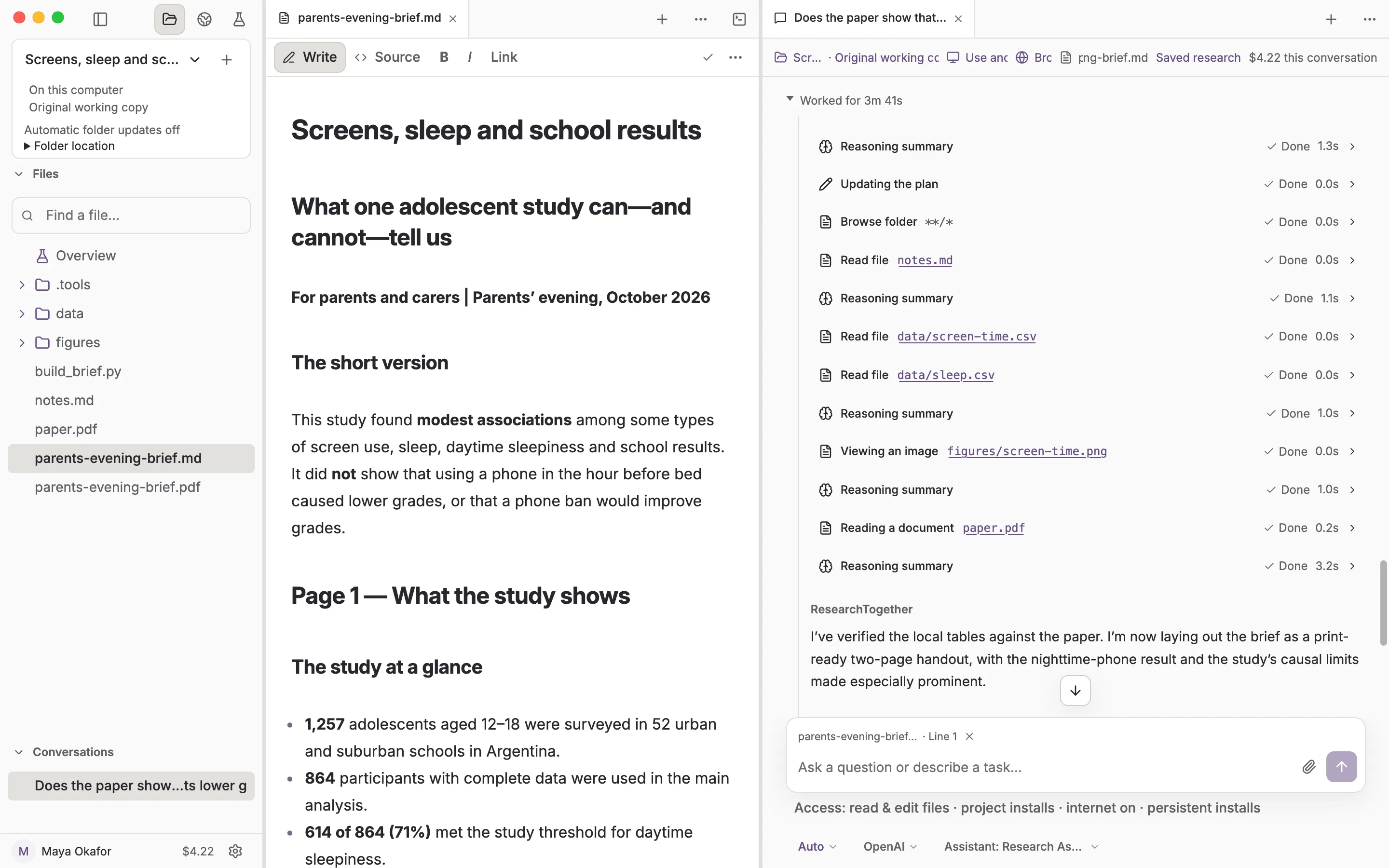
The record of an Auto run: each file it read, the figure it looked at and the paper it checked, listed step by step inside the conversation, with its running cost of $4.22 at the top.

Start with a real question.